
Adding Images and Figures
Single Image
Course creators can add images and captions (or figures) within a body of text to illustrate a concept. It is possible to add a single image, two images in a table, or three images in a table.
In Edx Studio, navigate to the Unit where you would like to add images.
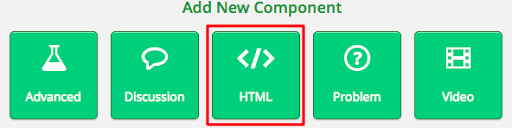
Click add New Component, and select HTML.
Choose “Text”, and then click “Edit”.
Adding a Single Image
Images can now be added with a drag-and-drop wizard.
Select the icon to add an image

Browse your computer or drag an drop an image to upload it to the course.
Give your image alternate text. Modify the dimensions if you need.

Click insert image. Your image should be added to your text component now. It can be resized by dragging the edge of the image.